Venom Theme for Paymenter
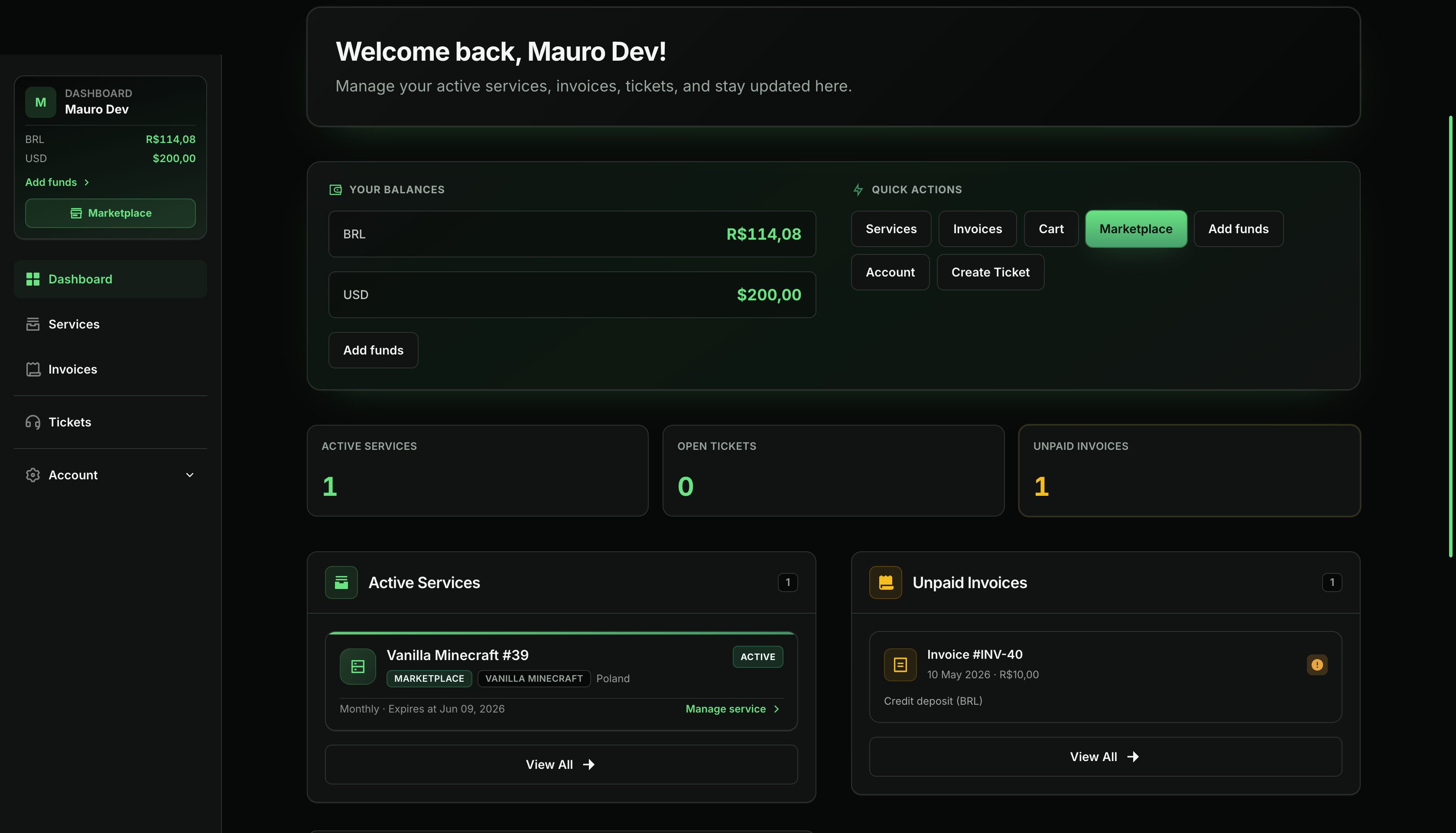
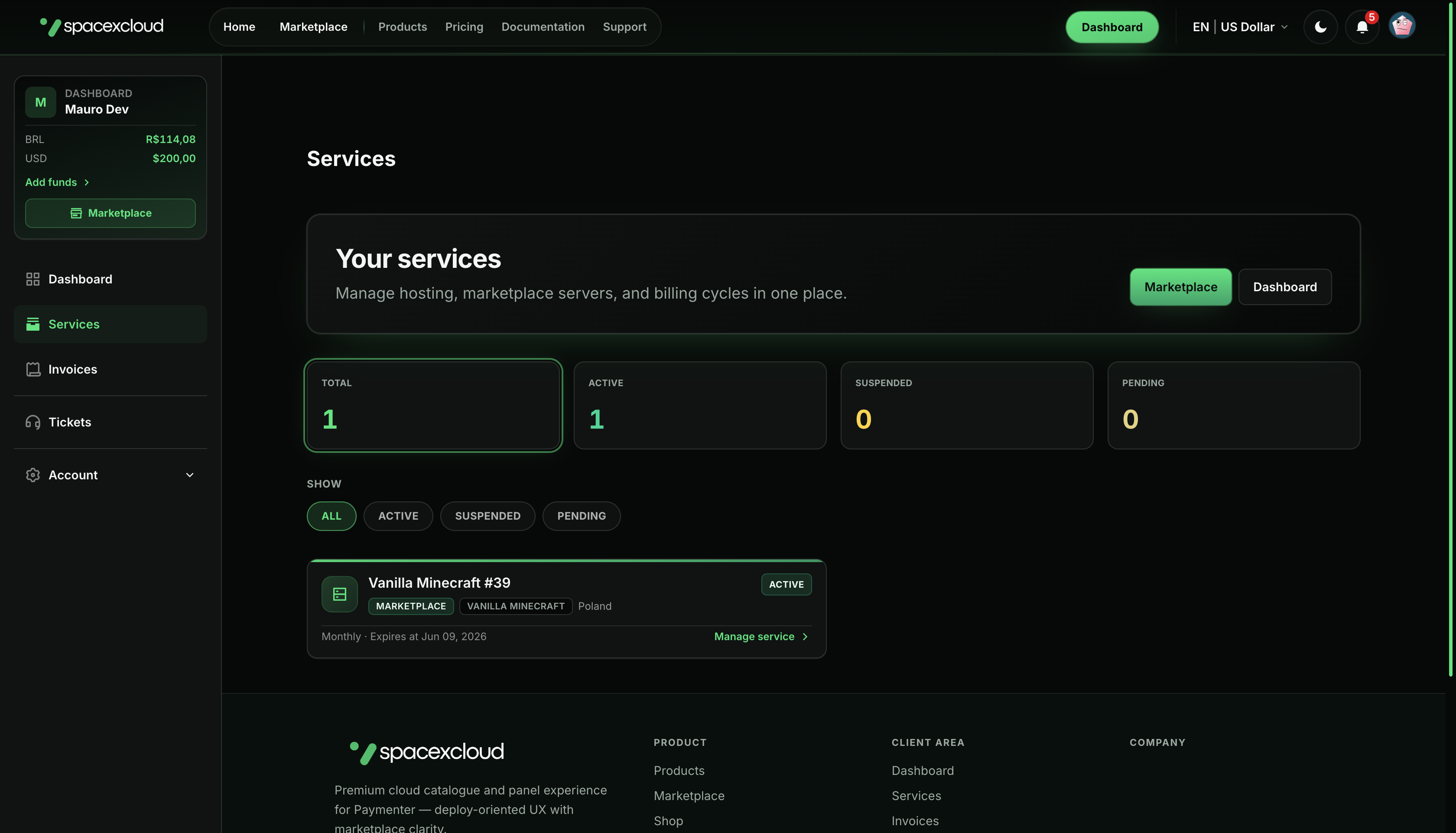
Venom is a premium storefront and client-area theme for Paymenter . It is purpose-built to pair with Vortexus — deep Pterodactyl integration inside Paymenter — so your customers get a unified panel experience (billing + full server management) under your brand, with landing pages, auth split layouts, dashboard, services, tickets, and marketplace-oriented UI.
This documentation is maintained by Mauro Gashfix, the theme developer. Venom is not affiliated with the Paymenter project or its creators — it is a separate product you run on your own Paymenter install.
Vortexus · Pterodactyl in Paymenter
Two products, one deployment story
Vortexus is sold separately from Venom and ships as two parts you combine on your Paymenter stack:
- Vortexus server module — embeds the full Pterodactyl server experience inside Paymenter (console, files, databases, schedules, networking, etc.) so customers never drop into a separate product skin.
- VortexusMarketplace extension — the marketplace / catalog layer for templates, regions, installs, billing hooks, and automated provisioning workflows that feed that panel.
Together they form a unified deploy system: browse → order → provision → manage — all under your brand. Venom is the theme layer that makes the storefront, auth, and client shell visually match that stack end-to-end.
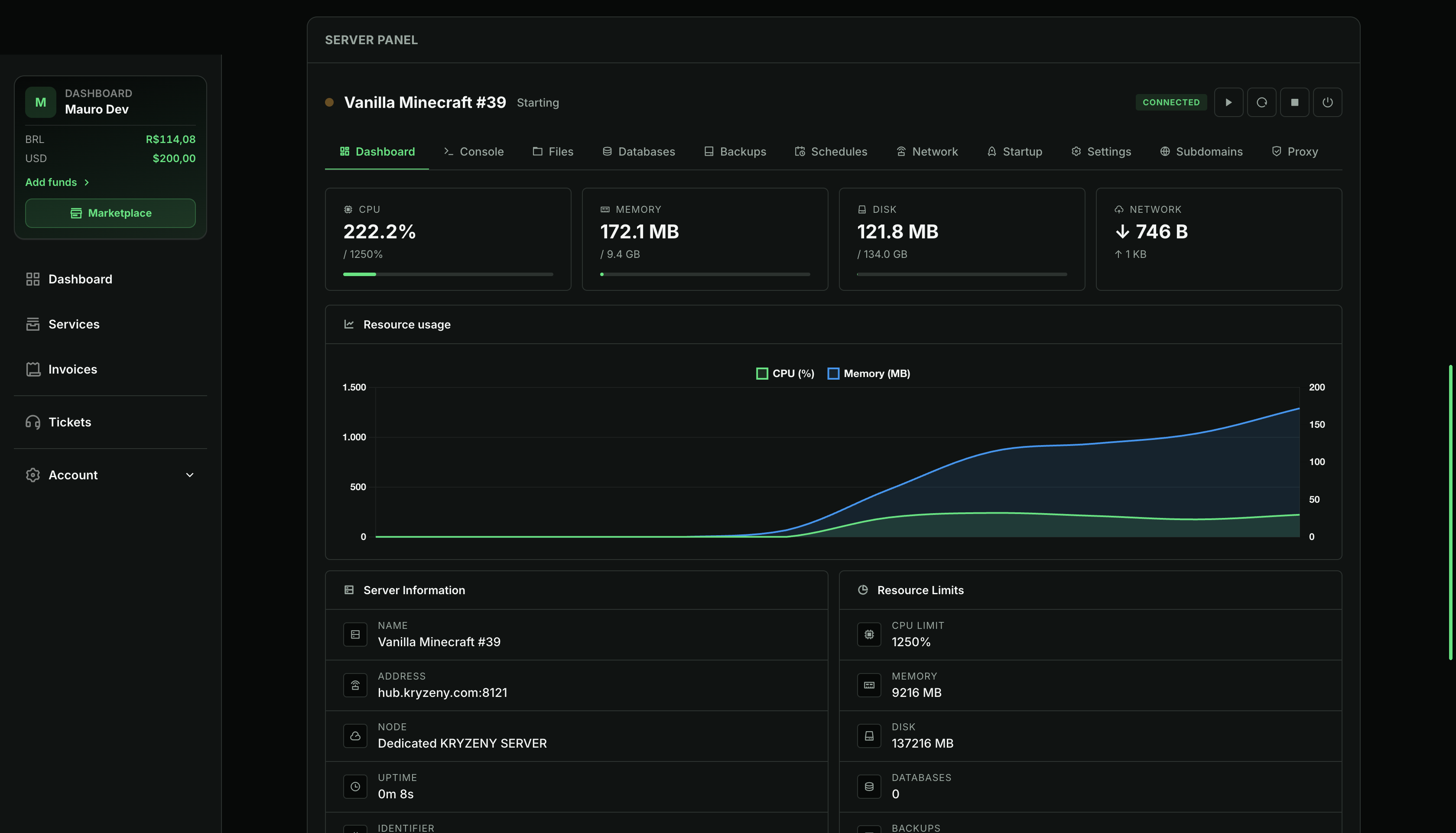
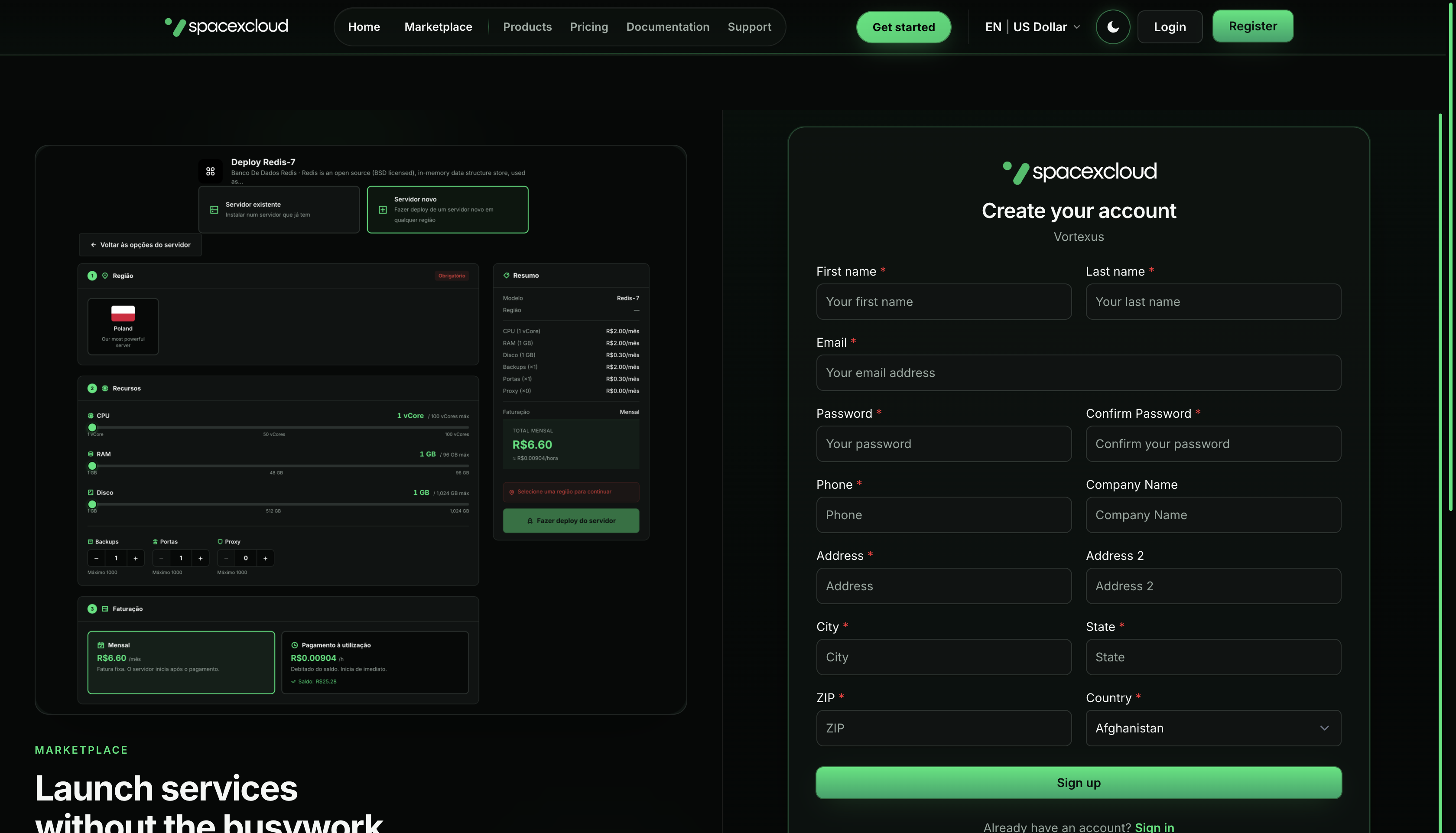
Panel UI from the Vortexus line, presented inside the Venom-themed Paymenter client area.
Marketing & landing
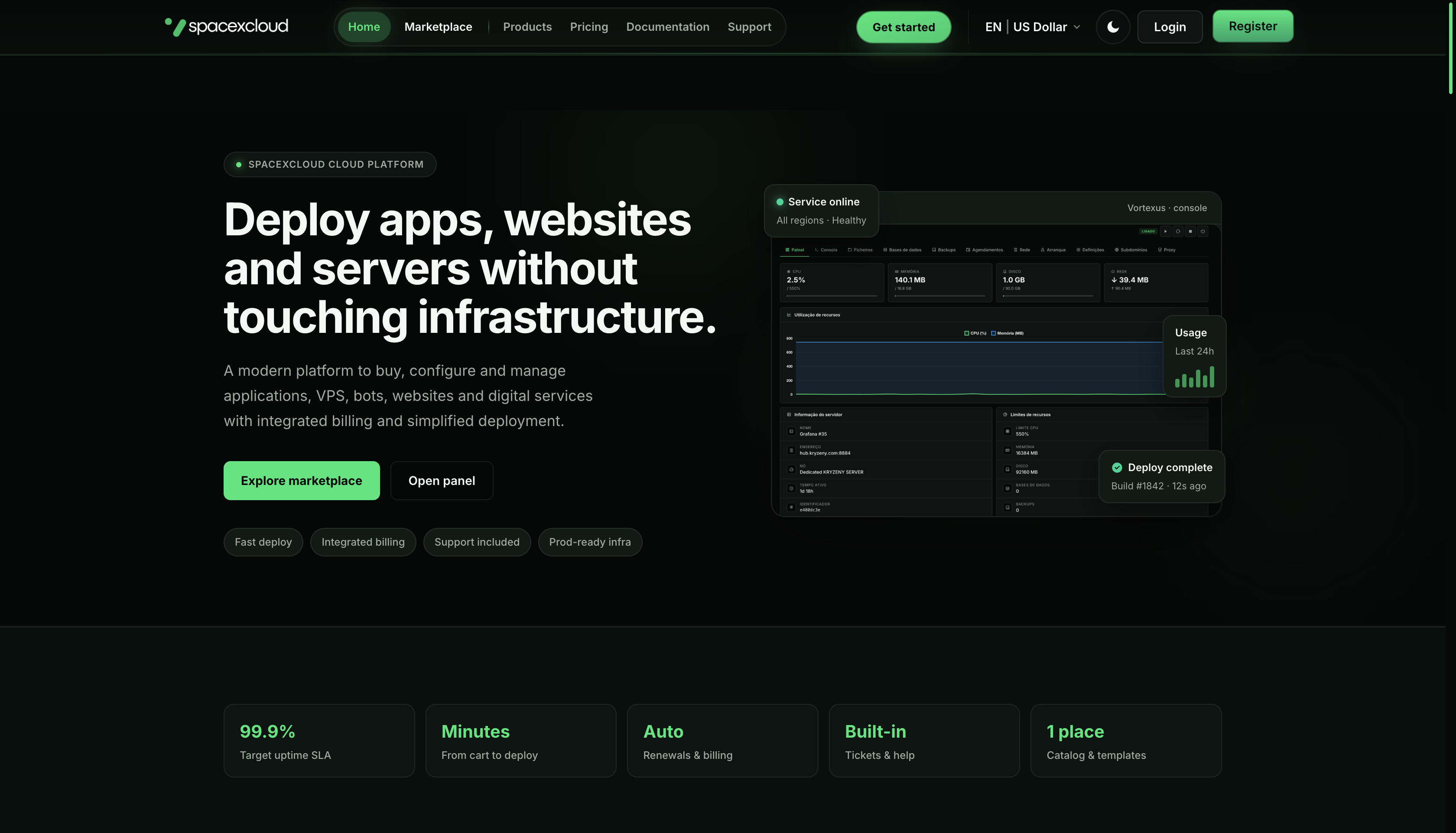
Auth — split layout
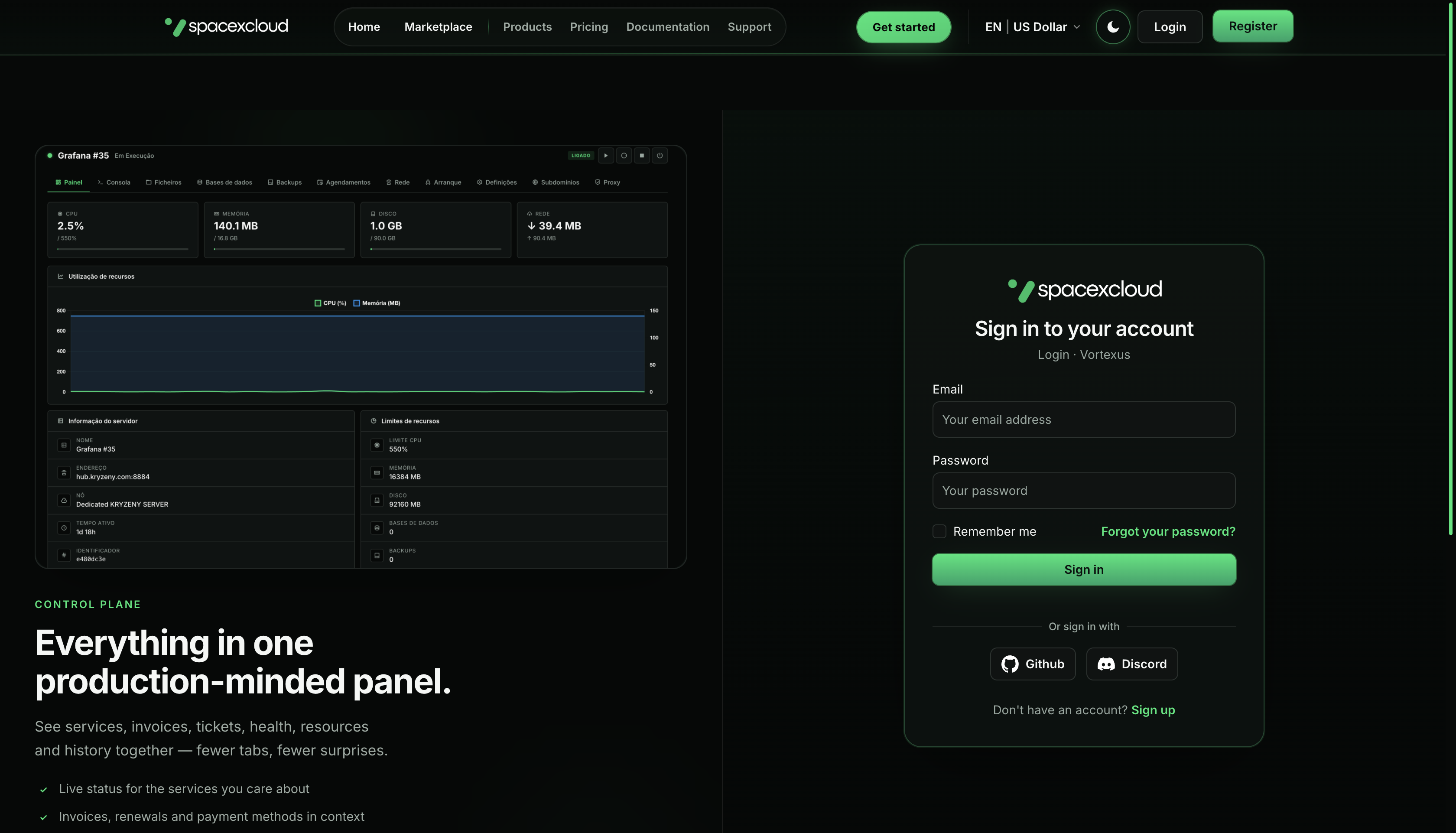
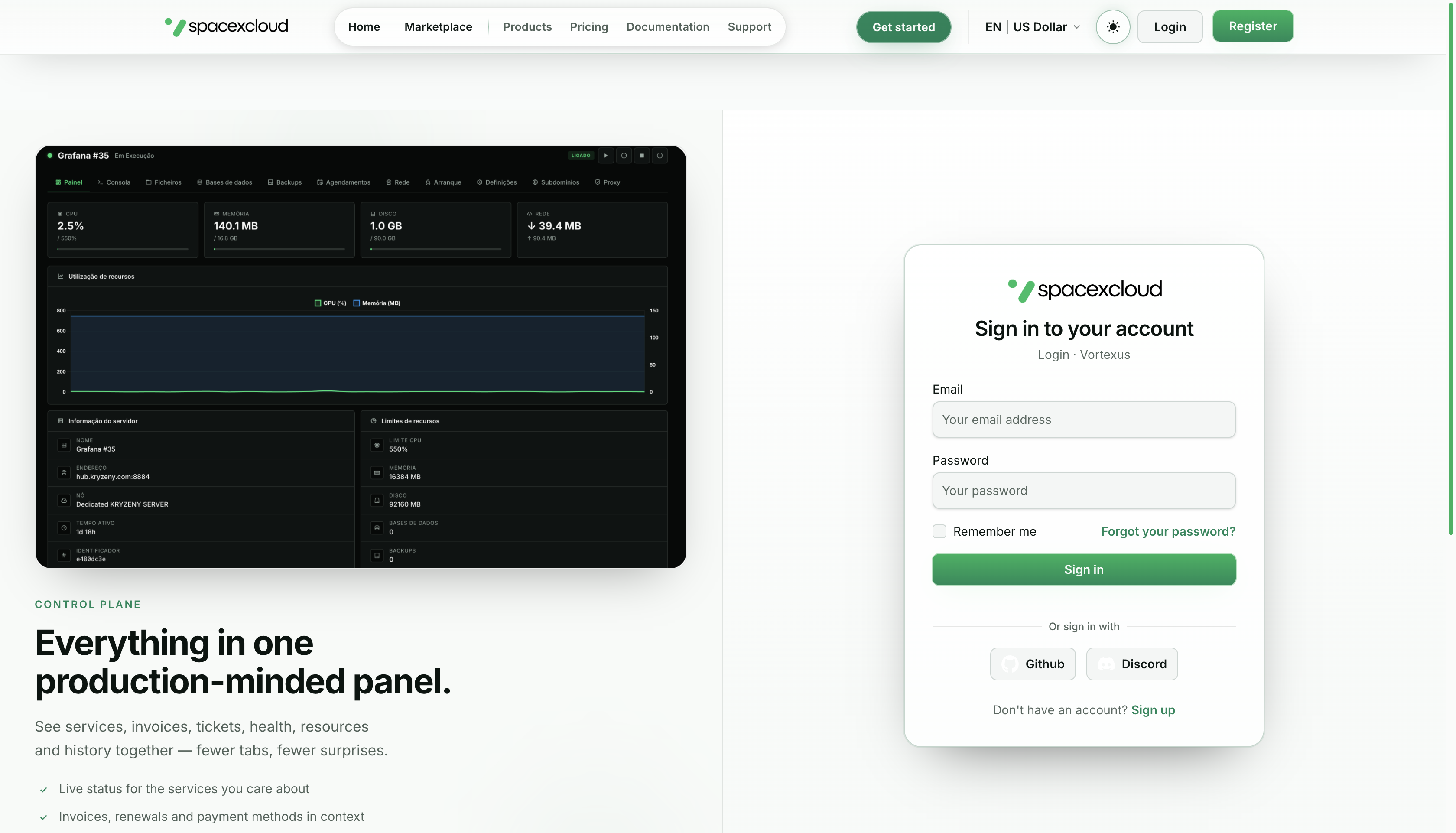
Client area
Where to buy
Venom is available only from authorized marketplaces:
After purchase you receive the theme files (or download instructions) from the marketplace — not from this documentation site.
Support
- Basic support (documentation-level help and reasonable bug reports) via Discord, user @maurogashfix. See Support & purchase for details and Discord.
- Full installation and configuration as a done-for-you service is available through the installation plan on BuiltByBit (paid add-on); see Support & purchase.
What you need
- A working Paymenter installation (PHP, Composer, database).
- Node.js 18+ and npm for building theme assets (Vite + Tailwind in the Paymenter project where Venom is installed).
Next steps
- Installation — deploy
themes/venom/, enable the theme in Paymenter, verify prerequisites. - Updating Venom — upgrade an existing install, merge
app/Classes/helpers.php, rebuild assets. - Changelog — what’s new in each theme version.
- Build assets — run
npm installandnpm run build:venomfrom the Paymenter project root. - Configuration — admin theme options: store behaviour, hero/footer copy, image URLs, light/dark colors, links, and auth visuals.
- Support & purchase — authorized stores, Discord, and paid installation services.
If something fails, ensure your Paymenter version matches the paths under themes/venom/ and that the active theme name in settings is venom.